![[decorative]](https://mixagame.com/wp-content/uploads/2025/10/cropped-mixagame-redwhite-logo-1024x256-1.png)
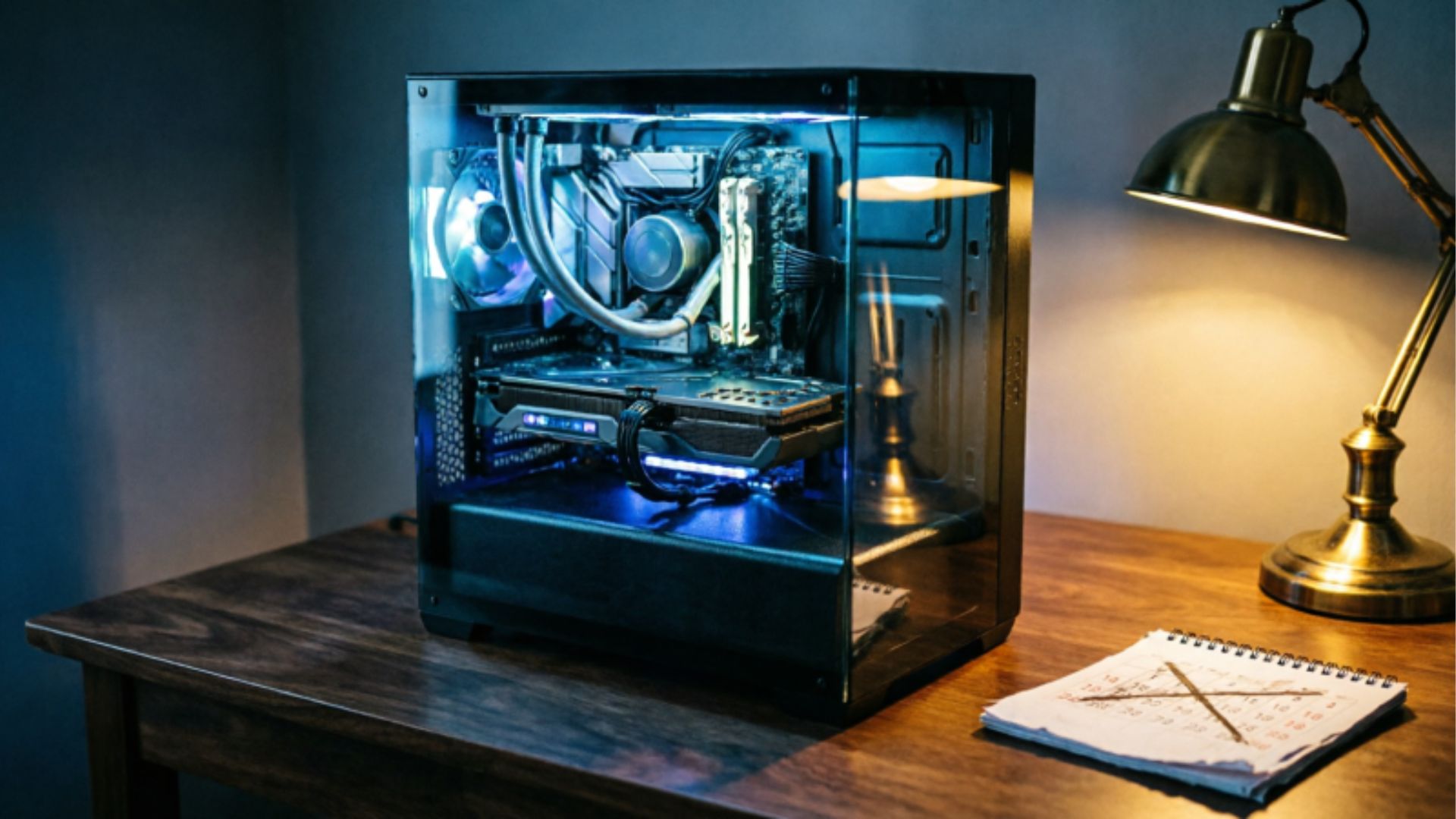
The question sounds simple until you actually try to answer it. Three years? Five? Ten? Every PC builder has a different number in their head, and most of them are working from assumptions that the hardware market has already moved past.
The honest answer is that a gaming PC does not have a single lifespan. It has layers. The chassis lasts indefinitely. The storage and RAM hold up for years without issue. The CPU stays relevant longer than most people expect. And the GPU, the component that actually determines whether your games look and run the way you want, ages on its own timeline entirely, one that has been compressing quietly over the past few hardware generations.
Understanding how long your PC will last in 2026 means understanding which part of it you are really asking about, and why the answer to each layer is different.
Why this question matters more in 2026?

Gaming hardware has entered an interesting phase. GPU architectures are iterating faster than they used to, but actual in-game performance gaps between generations have narrowed in some areas and widened in others. At the same time, game engines are becoming significantly more demanding, with path tracing, large open worlds, and AI-driven rendering pipelines pushing hardware in ways that a card from 2021 simply was not designed to handle at native resolution.
The console generation also plays a role here. The PlayStation 5 and Xbox Series X established a baseline for current-gen game performance that PC ports are now built around. That is both good and bad news for PC gamers. Good, because games are optimized for known hardware targets. Bad, because the ceiling keeps rising, and older PC hardware starts to show its age faster when that ceiling goes up.
This is not cause for panic. It is just context. A well-built gaming PC from 2022 or 2023 is not suddenly useless in 2026. But knowing where it stands is the difference between a smart upgrade decision and an expensive one.
The GPU: the component with the shortest relevant lifespan
If you are asking how long your gaming PC will last at its current performance level, you are really asking how long your GPU will last. Everything else in the system, the CPU, the RAM, the storage, can comfortably outlive two or three GPU generations without becoming a meaningful bottleneck in most gaming workloads.
A GPU’s gaming lifespan breaks down into two distinct phases. The first is what you might call the comfortable zone, where it handles current titles at your target settings without requiring meaningful compromises. The second is the usable zone, where it still runs games but you are turning down settings, dropping resolution, or leaning heavily on upscaling tools like FSR 3 to stay at acceptable frame rates.

Based on current game engine trends and GPU release cadence, here is a rough generational lifespan guide as of mid-2026:
| GPU Generation | Release Year | Comfortable Gaming | Usable With Upscaling |
| RTX 3000 Series / RX 6000 Series | 2020-2021 | 1080p high settings | 1440p with FSR/DLSS |
| RTX 4000 Series / RX 7000 Series | 2022-2023 | 1440p high to ultra | 4K with upscaling |
| RTX 5000 Series / RX 8000 Series | 2024-2025 | 4K native or near-native | Beyond current game demands |
The practical takeaway is that a card from the RTX 3000 or RX 6000 generation, which is now four to five years old, is entering its usable zone for newer demanding titles. It is not dead. But the comfortable zone is narrowing. A card from the RTX 4000 or RX 7000 generation still has two to three years of comfortable gaming ahead of it in most scenarios, assuming game demands continue scaling at their current rate.
The practical takeaway is that a card from the RTX 3000 or RX 6000 generation, which is now four to five years old, is entering its usable zone for newer demanding titles. It is not dead. But the comfortable zone is narrowing. A card from the RTX 4000 or RX 7000 generation still has two to three years of comfortable gaming ahead of it in most scenarios, assuming game demands continue scaling at their current rate. For a full breakdown of which GPU tier makes sense at each price point right now, see the best gaming PC builds by budget in 2026.
VRAM capacity has become the accelerating factor here. Games in 2026 are more VRAM-hungry than ever, and cards with 8GB or less are hitting texture streaming limits in a growing number of titles. If your GPU has 12GB or more, its longevity improves significantly regardless of its raw shader performance.
The CPU: more durable than the discourse suggests
CPU upgrade cycles in gaming are frequently overstated online. The gaming community has a habit of treating each new processor generation as a mandatory upgrade, which conveniently benefits hardware reviewers and retailers, but does not reflect how CPUs actually age in real gaming workloads.

The truth is that gaming is still primarily GPU-bound in the majority of titles, even in 2026. A six-core processor from 2020 running at good clock speeds is not meaningfully limiting your frame rates in most games compared to a modern eight-core processor. The exceptions are CPU-intensive games with complex simulation systems, strategy titles, and heavily modded open-world games, but those are category-specific, not universal.
A realistic CPU lifespan for gaming purposes in 2026 is six to eight years for a mid to high-tier processor purchased in its generation’s prime. The bigger concern is platform longevity, specifically whether your motherboard’s socket will support future CPU upgrades. Intel has historically changed sockets more frequently than AMD, which has kept compatibility across multiple Ryzen generations on AM4 and AM5. That matters when you are projecting how long your system stays upgradeable without a full platform rebuild.
RAM and storage: the components that quietly last forever
Sixteen gigabytes of RAM has been the gaming standard for several years, and 32GB is increasingly the comfortable recommendation in 2026 as more modern games push past the 16GB threshold during demanding sequences. If your system is running 16GB, it is not obsolete, but some current titles are starting to show stuttering in memory-heavy scenes that 32GB resolves.

The good news is that RAM is cheap and easy to upgrade. It does not have a meaningful performance degradation over time. The sticks you bought five years ago will run at the same speeds today. The only real risk is compatibility with future platforms, since DDR4 and DDR5 are not interchangeable, and DDR5 is now fully mainstream.
NVMe SSDs have similarly become a non-issue in terms of longevity for most users. A 1TB drive from a reputable brand purchased in 2021 still has years of life ahead of it under normal gaming use. The only scenario where storage becomes a bottleneck is if you are running DirectStorage-dependent titles that specifically require NVMe speeds, which is still an emerging feature set rather than a universal requirement in 2026.
NVMe SSDs have similarly become a non-issue in terms of longevity for most users. A 1TB drive from a reputable brand purchased in 2021 still has years of life ahead of it under normal gaming use. The only scenario where storage becomes a bottleneck is if you are running titles that specifically require NVMe speeds to take advantage of DirectStorage, a feature set that remains emerging rather than a universal requirement in 2026.
What actually kills a gaming PC’s usefulness
Hardware age is rarely what ends a gaming PC’s relevance. What actually does it is a combination of factors that tend to stack up gradually.

Thermal degradation over time matters more than most builders admit. Dust accumulation reduces airflow, which raises temperatures, which causes thermal throttling, which reduces actual performance. A card that ran at full boost clocks when it was new might be throttling itself to lower speeds three years later if the system has never been cleaned. Regular maintenance, cleaning filters, replacing thermal paste on the GPU every two to three years, makes a measurable difference in sustained performance.
Driver and software support is the other quiet killer. GPU manufacturers eventually stop optimizing drivers for older architectures, and game engine features tied to newer API versions become unavailable. This is not a sudden cliff, it is a slow narrowing of capability that happens over several years.
Power supply aging is the most underappreciated risk factor in a long-running system. Capacitors degrade. Efficiency drops. A PSU that was running comfortably at 80 percent load when new might be struggling at the same load five years later. This is not inevitable, and quality PSUs from reputable brands age well, but it is worth factoring in when assessing a system that is five or more years old.
Building for longevity: what to prioritize from day one
If your goal is a gaming PC that stays relevant for as long as possible, the decisions you make at build time matter more than any future upgrade. Prioritizing VRAM at purchase, 12GB minimum in 2026, gives your GPU significantly more runway. Choosing a platform with known multi-generation CPU upgrade support, like AMD’s AM5 socket, means your motherboard stays useful longer. And investing in a quality power supply with meaningful wattage headroom means you can drop in a better GPU two years from now without replacing the PSU alongside it. Before finalizing any build, running your component list through PCPartPicker confirms compatibility and flags potential bottlenecks before you spend anything.

Our complete guide to desktop gaming PC power, performance, and upgrades covers how each of these component decisions connects to each other and to your real-world gaming experience, which is the right starting point before you commit to any build or upgrade path.
The honest timeline
A well-built mid to high-range gaming PC purchased in 2026 will comfortably handle current and near-future games at its target settings for roughly three to four years. With a GPU upgrade around the three-year mark, that same system can realistically last six to seven years total before the platform itself becomes the limiting factor.
That is a better return on investment than most people assume going in. The key is building smart from the start, maintaining the system properly, and upgrading selectively rather than chasing every new generation of hardware.
The more interesting tension in all of this is between upgrading and replacing. As AI upscaling continues to improve and frame generation technology matures, older hardware keeps getting new tools to extend its relevance. At some point, a three-year-old card running DLSS 4 or FSR 4 might outperform a newer card running without them in real-world gaming scenarios. Which raises a question worth thinking about: is raw GPU horsepower still the most reliable measure of how long your system will last, or has software started to matter just as much?