![[decorative]](https://mixagame.com/wp-content/uploads/2025/10/cropped-mixagame-redwhite-logo-1024x256-1.png)
Your PC is running hot, your fans are screaming, and you are starting to wonder if you made a wrong call somewhere in your build. It happens to almost every PC gamer at some point, and nine times out of ten, the answer traces back to one decision made early in the build process: cooling.
The air versus liquid cooling debate has been going on for years in the PC gaming community. And honestly, it is one of those arguments that never gets old because the stakes are real. Get it right and your system runs quietly, efficiently, and for a long time. Get it wrong and you are staring at thermal throttling, reduced performance, and a rig that sounds like a jet engine at full load.
In 2026, the choice is more nuanced than ever. With CPUs pushing higher TDPs than ever and GPU temperatures climbing alongside them, the cooling decision is no longer just about preference. It affects performance, noise, cost, and how long your hardware actually lasts.
What heat actually does to your gaming PC
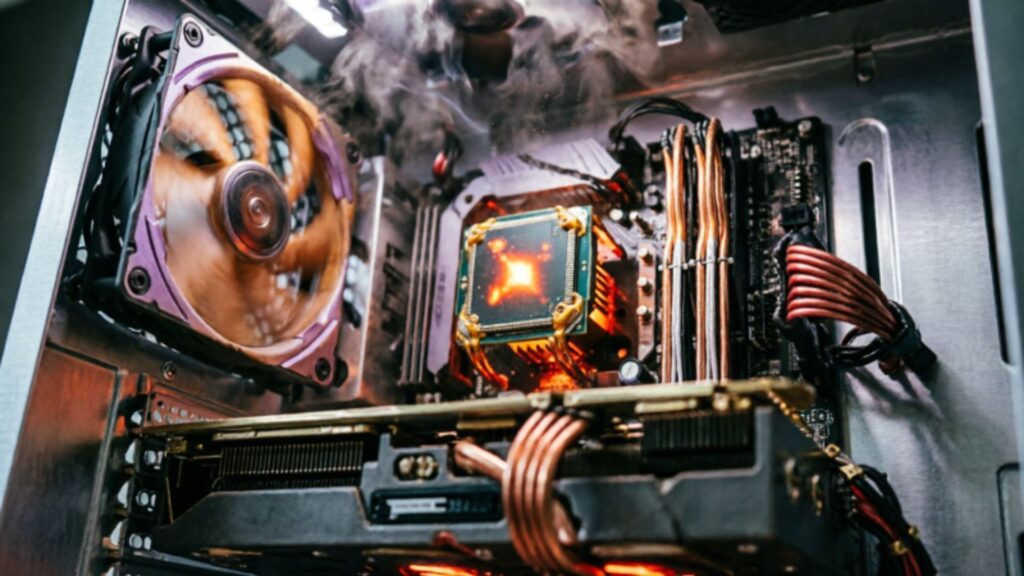
Before getting into which solution wins, it helps to understand what is actually happening inside your case when things get hot.
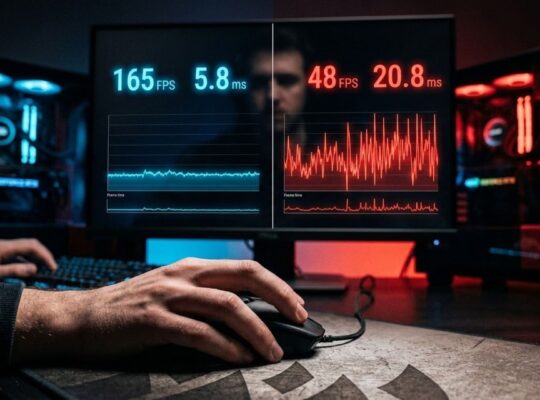
Modern processors and graphics cards are designed to throttle themselves when temperatures exceed safe thresholds. That means your CPU or GPU will automatically reduce its clock speed to protect itself. The result is lower performance exactly when you need it most, usually during the most demanding moments in a game.
Sustained high temperatures also accelerate the degradation of components over time. It is not just about surviving one gaming session. It is about whether your hardware holds up over two or three years of daily use.
Cooling is not a luxury. It is infrastructure.
Air cooling: the reliable workhorse
Air cooling has been the default for PC builders since the beginning, and it is still the right answer for most setups in 2026.
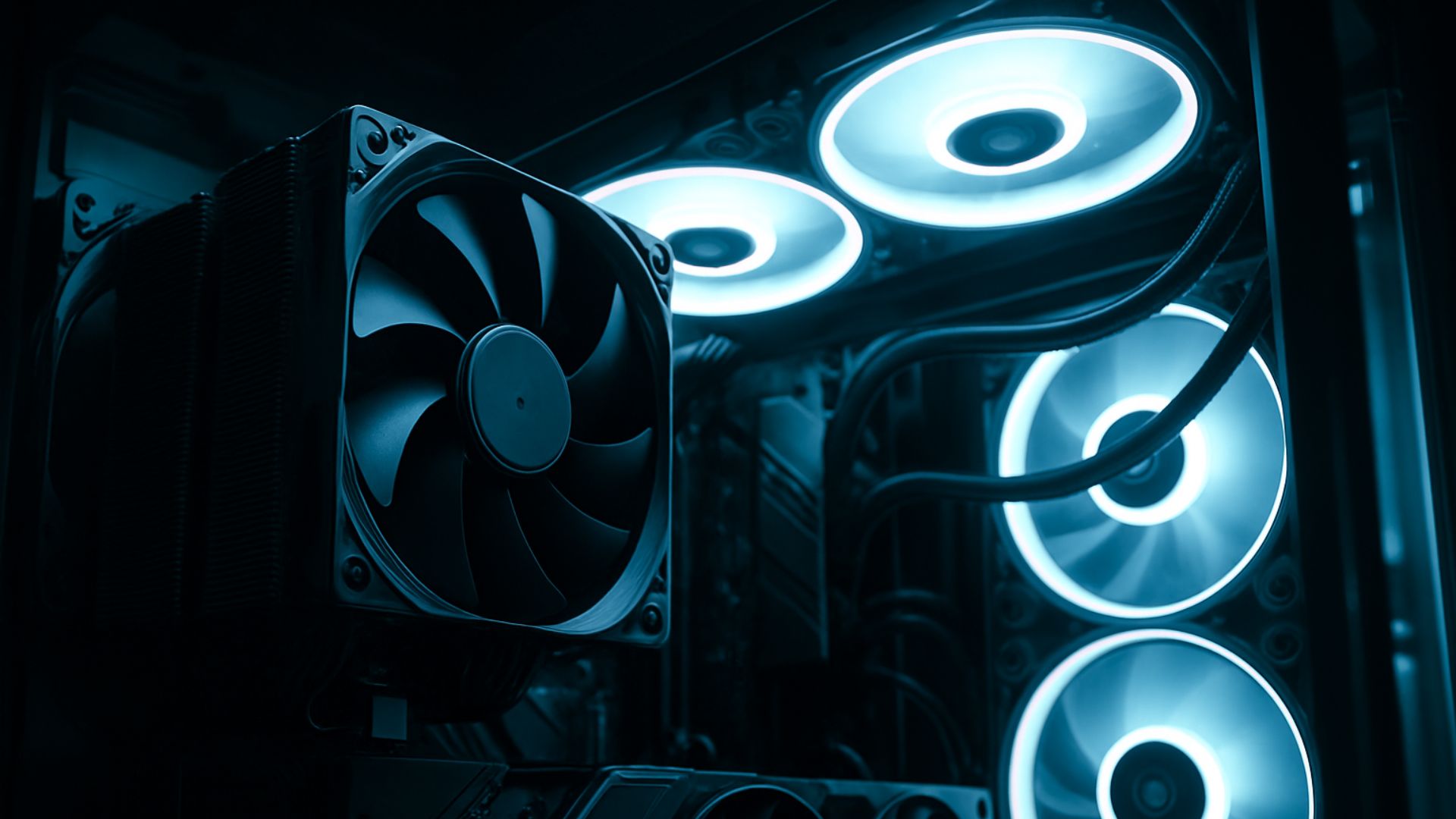
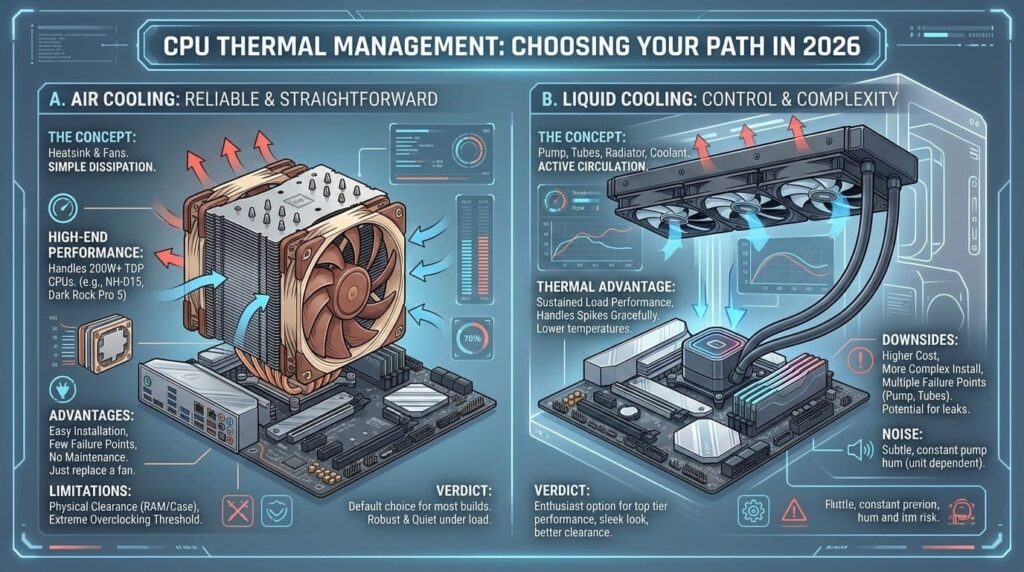
The concept is simple. A heatsink made of aluminum or copper fins sits directly on top of the CPU. A fan pushes air through those fins to dissipate heat. The warm air then moves through the case and out through exhaust fans.
Modern air coolers have come a long way from the thin stock coolers that ship with processors. High-end towers like the Noctua NH-D15 or the be quiet! Dark Rock Pro 5 can handle CPUs with TDPs above 200W without breaking a sweat. They are also remarkably quiet under normal loads.
The advantages are real. Air coolers are straightforward to install, have very few points of failure, and require essentially no maintenance. There are no tubes, no pump, no coolant to worry about. If a fan dies, you replace the fan. That is it.
The main limitations show up in two areas: physical clearance and extreme overclocking. A large dual-tower cooler can interfere with RAM slots or side panels depending on your case. And if you are pushing a high-end CPU to its absolute limits, air cooling may not be enough to keep temperatures fully under control.
For most desktop gamers running a mid-range or even high-end build at stock speeds, a quality air cooler is all they will ever need.
Liquid cooling: more control, more complexity
Liquid cooling, specifically all-in-one (AIO) closed-loop coolers, has gone from enthusiast luxury to mainstream option over the past several years. In 2026, AIOs are common in pre-built systems and custom builds alike, which tells you something about how accessible they have become.
An AIO works by circulating liquid coolant from a pump block on the CPU through tubes to a radiator mounted at the top or front of your case. Fans on the radiator dissipate the heat, and the cooled liquid cycles back. It is a closed system, meaning you do not need to refill or maintain the coolant under normal circumstances.
The thermal performance advantage is real, especially under sustained loads. Liquid cooling tends to handle heat spikes more gracefully and keeps temperatures lower over long gaming sessions. It also keeps the area directly around your CPU clear, which helps with RAM clearance and overall airflow inside the case.
The downsides are worth naming honestly. AIOs cost more than equivalent air coolers. They have more components that can fail, including the pump and the tubes. Installation is more involved. And if something goes wrong with the liquid loop inside your case, it is a much bigger problem than a dead fan.
There is also the noise consideration. Some AIO pumps produce a subtle but constant hum that some users find more annoying than fan noise. It depends heavily on the unit and the individual.
A practical comparison
| Feature | Air Cooling | Liquid Cooling (AIO) |
| Avg cost (2026) | $40 to $100 | $80 to $180 |
| Installation difficulty | Low to moderate | Moderate |
| Maintenance required | Minimal | Minimal (closed loop) |
| Thermal performance | Good to excellent | Excellent |
| Risk of failure | Very low | Low to moderate |
| Noise level | Low to moderate | Low (varies by pump) |
| Best for | Most builds | High-TDP CPUs, overclocking |
The case size factor nobody talks about enough
One thing that gets glossed over in most cooling comparisons is how much your case actually matters.
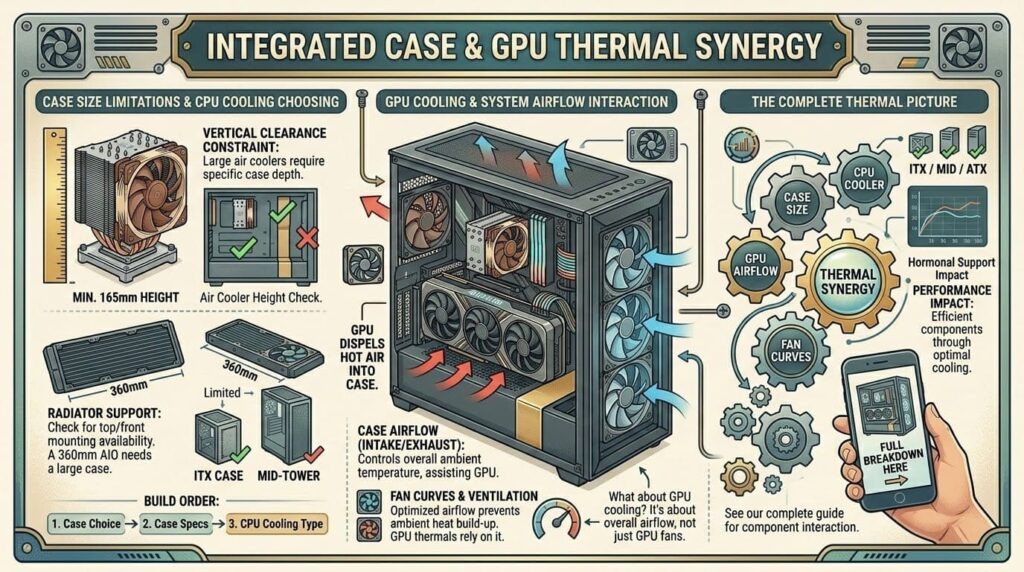
A large air cooler needs vertical clearance inside the case. A 360mm AIO radiator needs a case that supports top or front mounting at that size. Neither solution works in isolation from the rest of your build decisions.
If you are building in a compact mid-tower or a small form factor case, your options narrow fast. Some ITX cases are actually better suited to slim AIOs than to large air towers. Others have terrible radiator support no matter what you do.
Before committing to either cooling approach, check your case specifications carefully. It sounds obvious, but it is the step that trips up a surprising number of first-time builders.
What about GPU cooling?
Most of this conversation focuses on CPU cooling, and for good reason. The CPU is where active aftermarket cooling decisions happen. But your GPU has its own cooling system built in, and it matters too.
Graphics cards come with their own heatsinks and fans from the factory. What you can control is the airflow inside your case that helps those GPU fans do their job. A poorly ventilated case with bad fan placement will hurt GPU thermals regardless of how good your CPU cooler is.
If you are dealing with GPU heat specifically, the conversation shifts to case airflow, fan curves, and potentially aftermarket GPU coolers, which are a different category entirely.
For anyone putting together a complete build and thinking through how every component interacts thermally, the full breakdown in our guide to gaming PC components is a solid place to see the full picture.
Which one should you actually choose?
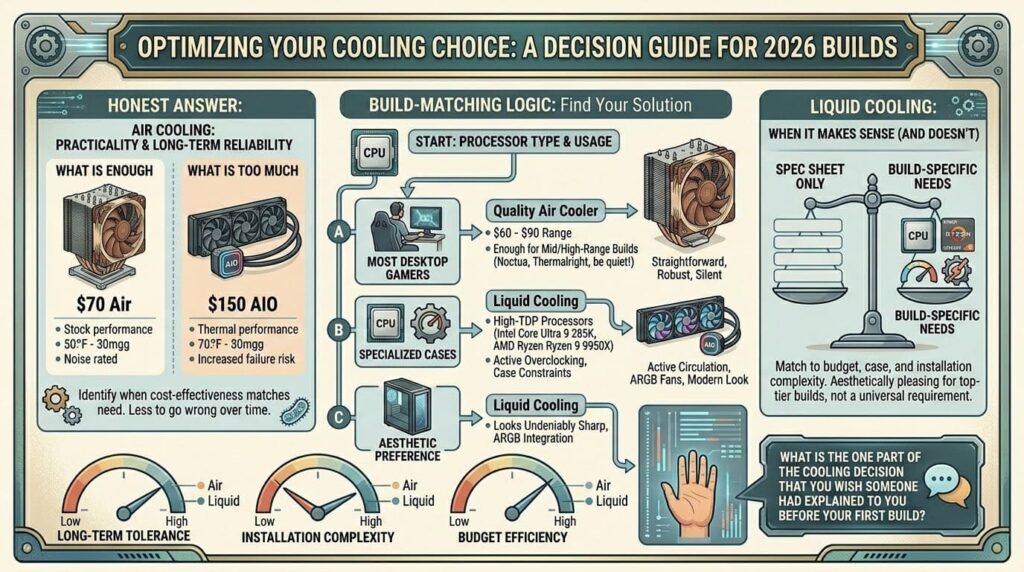
Here is the honest answer: for most desktop gamers in 2026, a quality air cooler is enough. Something in the $60 to $90 range from Noctua, Thermalright, or be quiet! will handle any mid-range or mainstream high-end build without issue.
Liquid cooling makes sense when you are running a high-TDP processor like the Intel Core Ultra 9 285K or AMD Ryzen 9 9950X, when you are actively overclocking, or when case constraints make a large air cooler impractical.
It also makes sense if you just want it. Aesthetics are a real part of PC building culture, and a well-mounted 360mm AIO with ARGB fans looks undeniably sharp through a glass panel. There is nothing wrong with factoring that in.
What does not make sense is buying a $150 AIO for a build where a $70 air cooler would perform identically and last just as long with less to go wrong.
Buy for your build, not for the spec sheet.
Cooling is one of those decisions that feels minor until it is not. And the reality is that the best cooling solution is the one that matches your specific processor, your case, your budget, and your tolerance for installation complexity. Neither option is universally better. Both have earned their place in the modern gaming PC ecosystem. The question worth asking yourself is not which one looks better in a benchmark comparison, but which one you will still feel good about two years from now when your system is still running quietly and your hardware is still hitting the performance numbers it was built for.
What is the one part of the cooling decision that you wish someone had explained to you before your first build?