![[decorative]](https://mixagame.com/wp-content/uploads/2025/10/cropped-mixagame-redwhite-logo-1024x256-1.png)
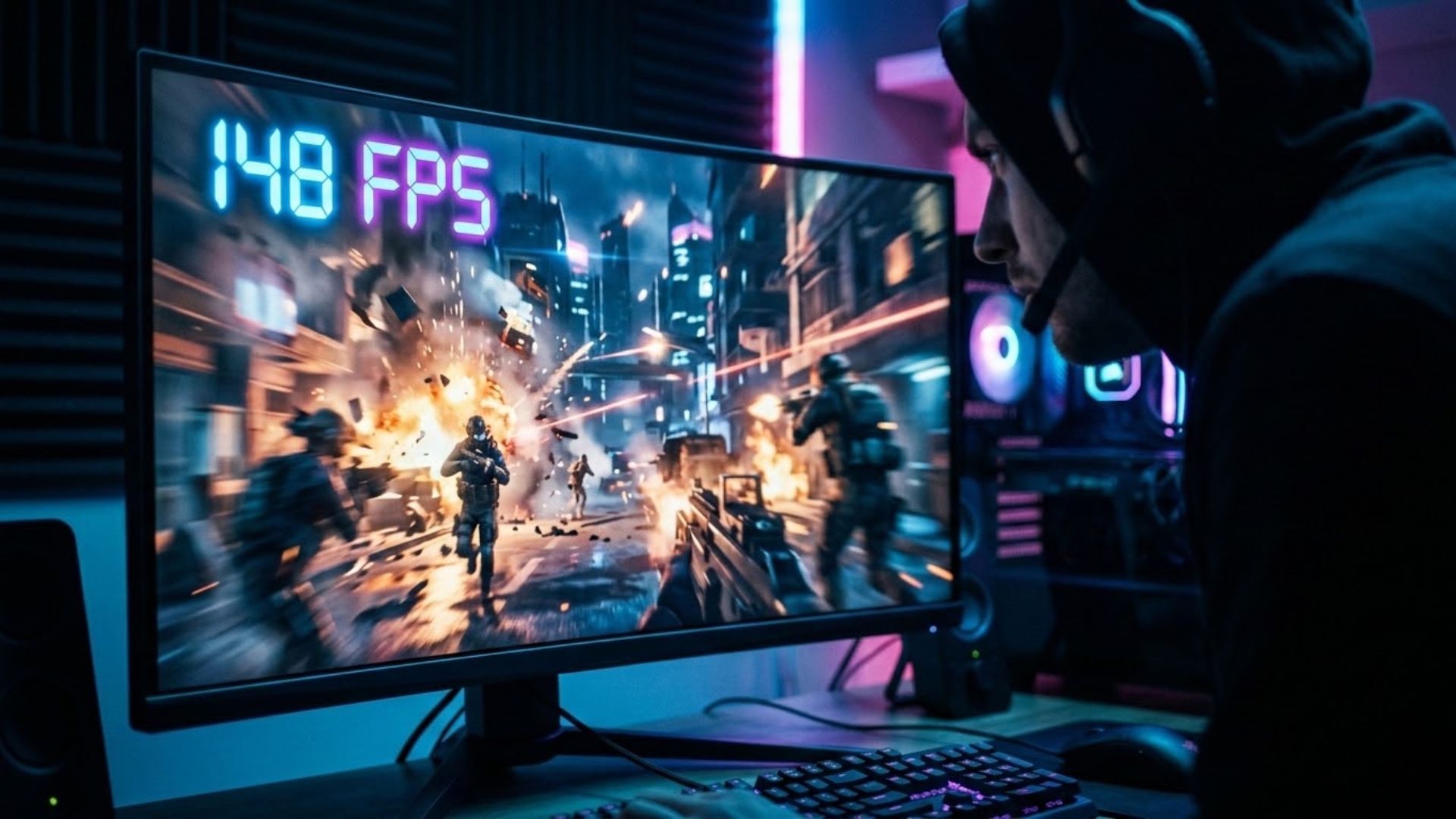
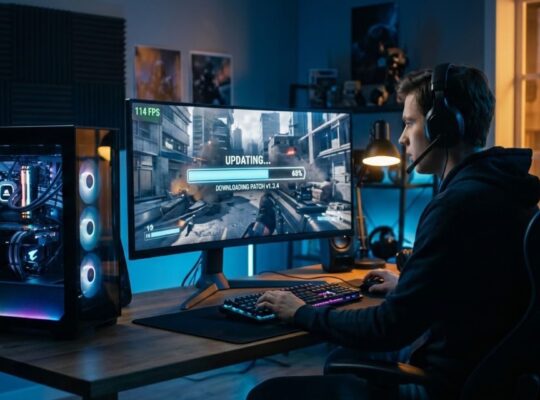
The scariest three seconds in modern gaming happen right after an update finishes installing, when you load into your first match and your eyes dart to the corner of the screen to check whether the number there went up or fell off a cliff. I have lived that moment hundreds of times. Sometimes the patch gifts you buttery smoothness you did not ask for. Other times it quietly robs you of frames and leaves no note behind. So the honest question every player whispers after a download bar fills is simple: does this update increase FPS, or did I just downgrade my own game?
Why updates move your frame rate at all
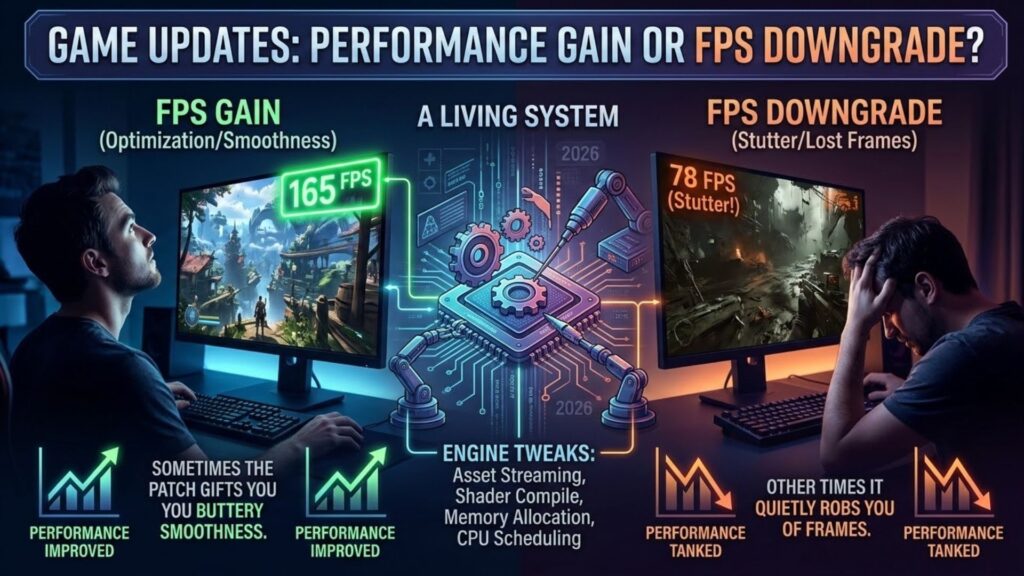
To answer that, you have to understand why a patch touches performance in the first place. A game is not a finished object sitting on your drive. It is a living system, and every update rewrites parts of the engine that decide how efficiently your hardware works. Developers change how assets stream, how shaders compile, how memory gets allocated, and how the CPU schedules a thousand tiny tasks per second. Tweak any of those, and your frame rate reacts, sometimes dramatically.
In 2026, this happens constantly. Live service titles ship weekly builds, and even single-player games get sprawling post-launch support. That cadence means your FPS is a moving target. The version you benchmarked last month may not exist anymore.
The two faces of a patch
Not all updates pull in the same direction, and learning to predict which way a build will swing saves you a lot of grief. Broadly, patches fall into two camps. Optimization patches aim to make the game run better. Studios profile the worst performing areas, rewrite inefficient code, and hand you back frames. When you read words like reduced CPU overhead or improved streaming, you are looking at a build that probably raises your ceiling.
Content patches do the opposite, usually by accident. New maps, denser environments, flashier effects, and bigger enemy counts all demand more from your rig. The game did not get worse. It got heavier. That distinction matters, because a frame drop after a content drop is not a bug. It is a bill coming due.
| Signal in the notes | Likely FPS direction |
|---|---|
| Optimized, reduced overhead | Up |
| Fixed memory leak | Up or steadier |
| New effects, expanded areas | Down |
| Reworked engine / lighting | Unpredictable, test it |
| Balance and cosmetic only | No change |
How to actually measure the difference
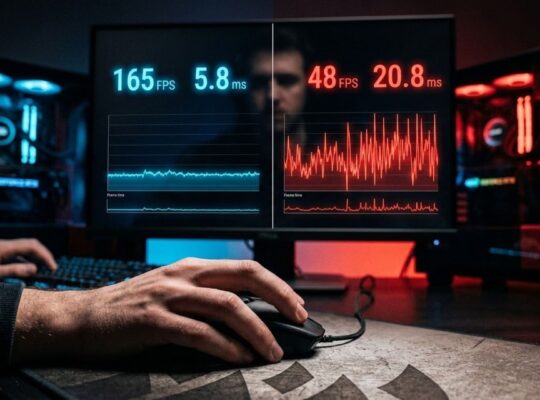
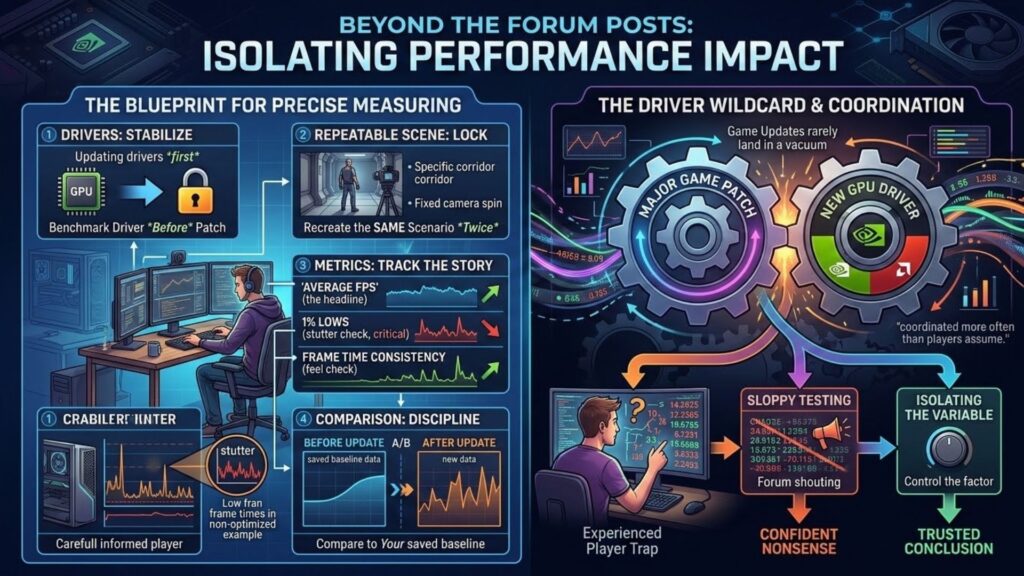
Feelings lie, and the corner counter alone does not tell the whole story, so the only way to know if an update increased FPS is to test it the same way twice. This is where discipline separates informed players from the folks yelling in the forums. Pick a repeatable scene. A specific corridor, a fixed camera spin in a hub, the opening of a busy level, anything you can recreate consistently. Note three numbers, not one: your average FPS, your 1% lows, and your frame time consistency. Average tells you the headline. The 1% lows tell you whether the game stutters when it matters. A patch can raise your average while wrecking your lows, and that combination feels worse than a lower, steadier number.
Run the test on the old build if you can still access it, or lean on your saved baseline from before the update. Then run it again after patching. The gap between those two runs is your real answer, not the anecdote from a stranger with a different CPU.
The driver wildcard
Here is a trap that fools even experienced players. Updates rarely land in a vacuum. GPU makers push new drivers around big game patches, and those drivers can add or subtract frames on their own. A producer once told a roundtable I attended that game-ready drivers and major patches are coordinated more often than players assume. So when your FPS shifts, ask whether you changed the game, the driver, or both. Isolating one variable at a time is the only way to trust your conclusion. That means updating your driver before you benchmark, or deliberately holding it steady, so you know which change caused what. Sloppy testing produces confident nonsense, and the internet has plenty of that already.
Reading the community signal
You are never testing alone, and the crowd can point you in the right direction if you filter it well. When a patch drops, performance threads light up within hours. Ignore the vague runs terrible now posts. Hunt for people sharing hardware specs, numbers with a tool like CapFrameX, and repeatable steps. Patterns across similar rigs tell you whether a regression is real or whether one person’s overlay software is the culprit. That said, treat community reports as a lead, not a verdict, and remember that changes that leave no note behind are common. Your machine, your settings, and your resolution shape your result more than any headline claim.
So back to the question that started your download-day anxiety. An update can absolutely raise your frame rate, and just as easily lower it, and the only way to know for sure is to test with intent instead of trusting the corner of your screen. If you want to see how these frame-rate swings fit into the larger pattern of every patch, our in-depth breakdown of how game updates affect PC performance ties the benchmarks, the drivers, and the hidden changes together. When your next patch finishes installing, will you actually measure the difference, or just hope the number went the right way?