![[decorative]](https://mixagame.com/wp-content/uploads/2025/10/cropped-mixagame-redwhite-logo-1024x256-1.png)
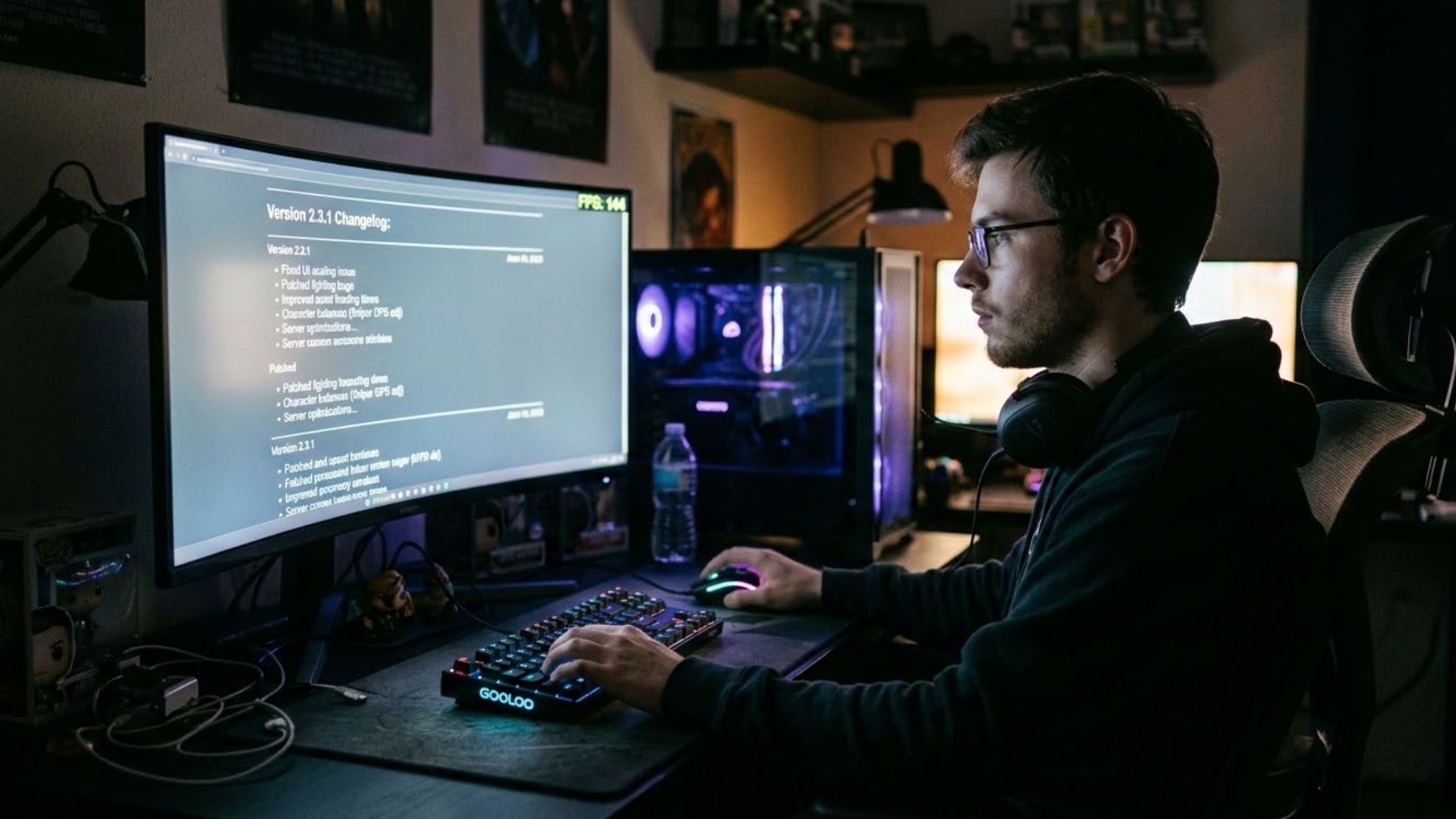
The first time a patch quietly shaved fifteen frames off my favorite shooter, I blamed my GPU, my drivers, and eventually the universe, before I realized the answer had been sitting in the changelog all along. That moment changed how I approach every update. Patch notes are not marketing filler. They are the closest thing we get to a studio telling us, in plain language, what they just did to the game running on our machines. The problem is that most players scroll past them like terms of service, and that habit costs real performance.
Why patch notes deserve more than a glance
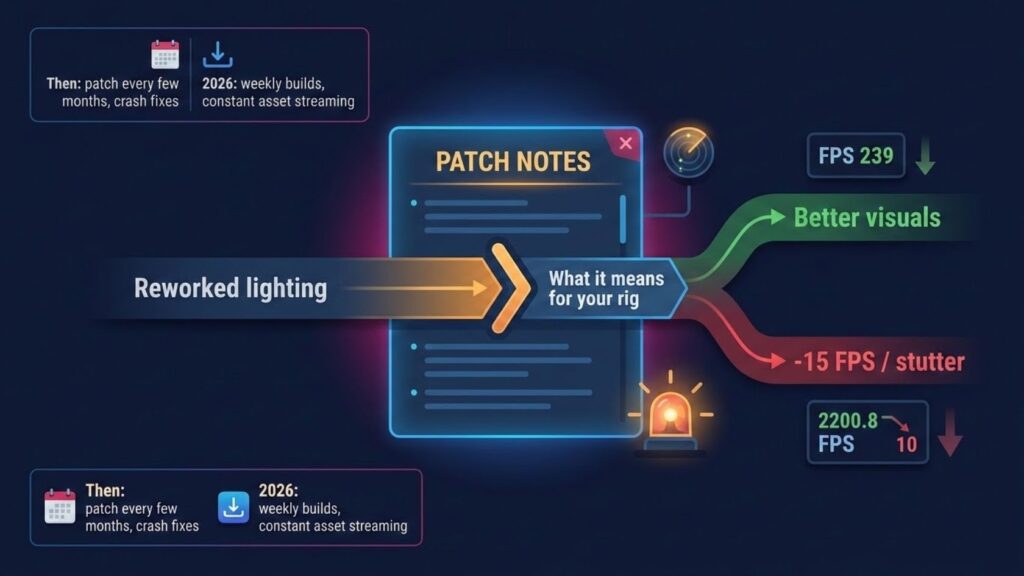
Learning how to read patch notes is a skill, not a chore, and in 2026 it matters more than ever. Games ship unfinished on purpose now. Live service titles push updates weekly, sometimes daily, and each build can reshape how your PC behaves. A single line about reworked lighting can mean a gorgeous new look or a sudden stutter in the exact areas you play most. Studios rarely spell out the performance impact directly, so the burden falls on us to translate developer shorthand into what it means for our frame rate.
Think about how far this has come. A decade ago, a patch arrived every few months and mostly fixed crashes. Today, engines like Unreal Engine 5 stream assets constantly, and a backend tweak you never see can hammer your CPU. The notes are your only early warning system.
Reading between the lines
Developers write patch notes in a language of their own, and once you learn the dialect, the whole document opens up. Certain phrases carry weight far beyond their word count. When you see optimized, treat it as a promise that may or may not hold on your specific hardware. When you see reworked, overhauled, or rebuilt, expect a bigger swing, and not always in your favor. Words like shader, streaming, occlusion, and particle point straight at your GPU. Anything mentioning netcode, server tick, or AI behavior leans on your CPU instead.
Here is a quick reference I keep in my head every time a new build drops.
| Patch note phrase | What it usually touches | Watch for |
|---|---|---|
| Reworked lighting / shadows | GPU, VRAM | Stutter in dense scenes |
| Optimized memory usage | RAM, streaming | Fewer hitches, or new ones |
| Updated AI / pathfinding | CPU | Frame drops in busy fights |
| New particle effects | GPU | Dips during explosions |
| Engine version bump | Everything | Reset settings, retest |
That last row is the sneaky one. When a studio upgrades the underlying engine, it can silently reset your graphics options or introduce features that were not there yesterday. I have watched entire communities panic over broken performance that turned out to be a config file politely wiping itself clean.
The cosmetic trap
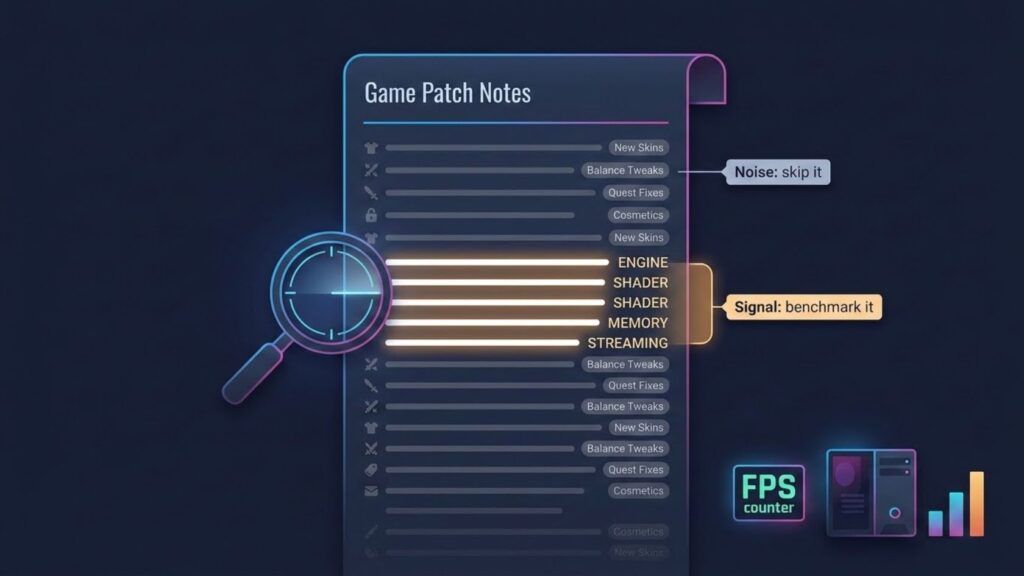
Not every change deserves your attention, and separating signal from noise is half the battle. Balance tweaks, new cosmetics, and quest fixes fill most patch notes, and they rarely touch performance at all. Skimming past them is fine. The danger is that they pad the document and bury the two or three lines that actually matter for your rig. Smart readers scan for the technical vocabulary first, then circle back to the gameplay stuff.
This is where curiosity pays off. I keep a simple habit: before I launch a freshly patched game, I search the notes for four words, engine, shader, memory, and streaming. If none appear, I relax. If two or more show up, I know to run a quick benchmark before I judge anything.
When the notes lie by omission
Here is the uncomfortable truth every seasoned player eventually learns. Patch notes are incomplete by design. Studios ship changes they never document, sometimes because the tweak is minor, sometimes because it is embarrassing, and sometimes because a junior engineer simply forgot to write it down. A former live-ops producer I spoke with last year put it bluntly: we document what we want players to notice, not everything we shipped.
That single sentence reframes the whole exercise. The notes are a starting point, not gospel. When your performance shifts and the changelog stays silent, trust your own eyes and your own frame counter over the official word.
Building a patch-day routine
The players who never get blindsided are the ones with a routine, and it takes about five minutes. Read the notes with the vocabulary above in mind. Flag anything that smells like a GPU or CPU change. Launch the game, run a consistent test scene with a tool like MSI Afterburner, and compare your numbers against your last known baseline. If something feels off, you already know where to look because the notes told you which system to suspect.
This approach turns you from a passenger into a driver. Instead of reacting to bad performance after it ruins a match, you anticipate it, test for it, and adjust your settings before frustration sets in.
Patch notes will never be perfect, and studios will keep leaning on us to fill the gaps. Still, the players who treat every update as a puzzle rather than an inconvenience end up with smoother games and far less wasted time. Reading the notes closely is the cheapest performance upgrade you will ever get. For the bigger picture, our complete guide to how game updates affect PC performance connects every one of these signals to real frame-rate outcomes. So the next time a fresh build lands, will you skim the notes and hope, or read them like the roadmap they really are?