![[decorative]](https://mixagame.com/wp-content/uploads/2025/10/cropped-mixagame-redwhite-logo-1024x256-1.png)
Numbers do not have feelings, and that is exactly why I trust them more than any forum thread the day a big patch lands. I learned this the hard way after swearing up and down that an update had ruined a game, only to run the actual test and discover my frame rate had barely moved. My eyes had lied. The counter had not. That gap between perception and reality is the whole reason a proper game benchmark before and after an update beats every anecdote, every hot take, and every gut feeling you bring to patch day.
Why benchmarking beats guessing
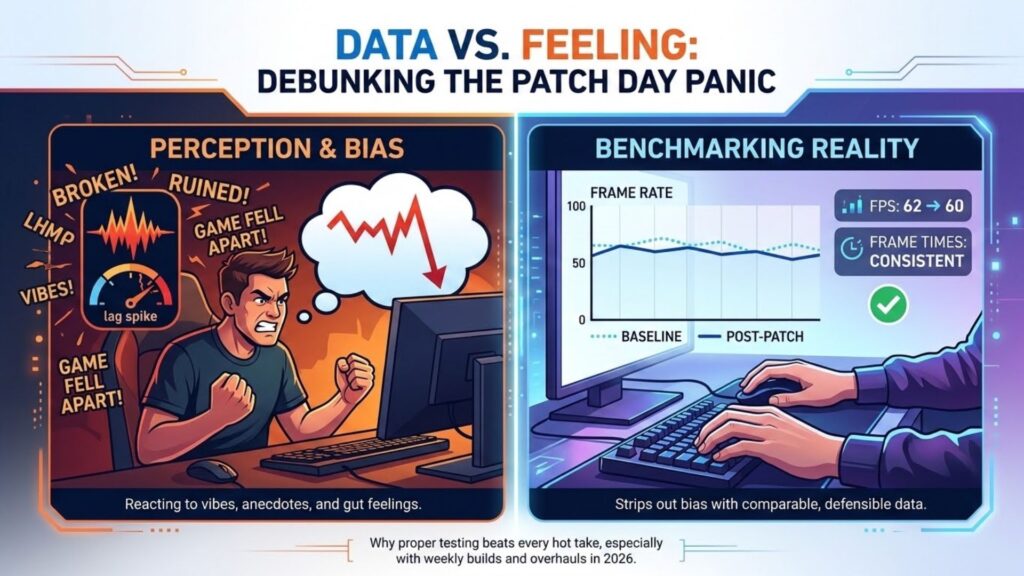
Perception is a terrible measuring tool. A single stutter at the wrong moment feels like the whole game fell apart, while a steady but slightly lower frame rate can pass unnoticed for hours. Your brain remembers the spike of frustration, not the average. Benchmarking strips out that bias and replaces it with something you can compare, defend, and act on. In 2026 this matters more than ever, because games change under our feet constantly. Weekly builds, seasonal overhauls, and surprise engine bumps mean the version you played last month may perform nothing like the one installed today. Without a baseline, you are just reacting to vibes.
Building a baseline you can trust
The secret to a meaningful comparison is that both runs have to be identical in every way except the patch itself. This sounds obvious, yet it is where most people quietly sabotage their own results. Pick a fixed test scene you can recreate exactly. A specific hallway, the opening thirty seconds of a level, a slow camera pan across a busy hub. Lock your graphics settings and write them down. Keep your resolution, your background apps, and your GPU driver the same across both runs, or at least note when one of them changes. Then capture the run before you patch, and again after. Consistency is not optional here. If you change two things at once, you will never know which one moved your numbers.
The three numbers that actually matter
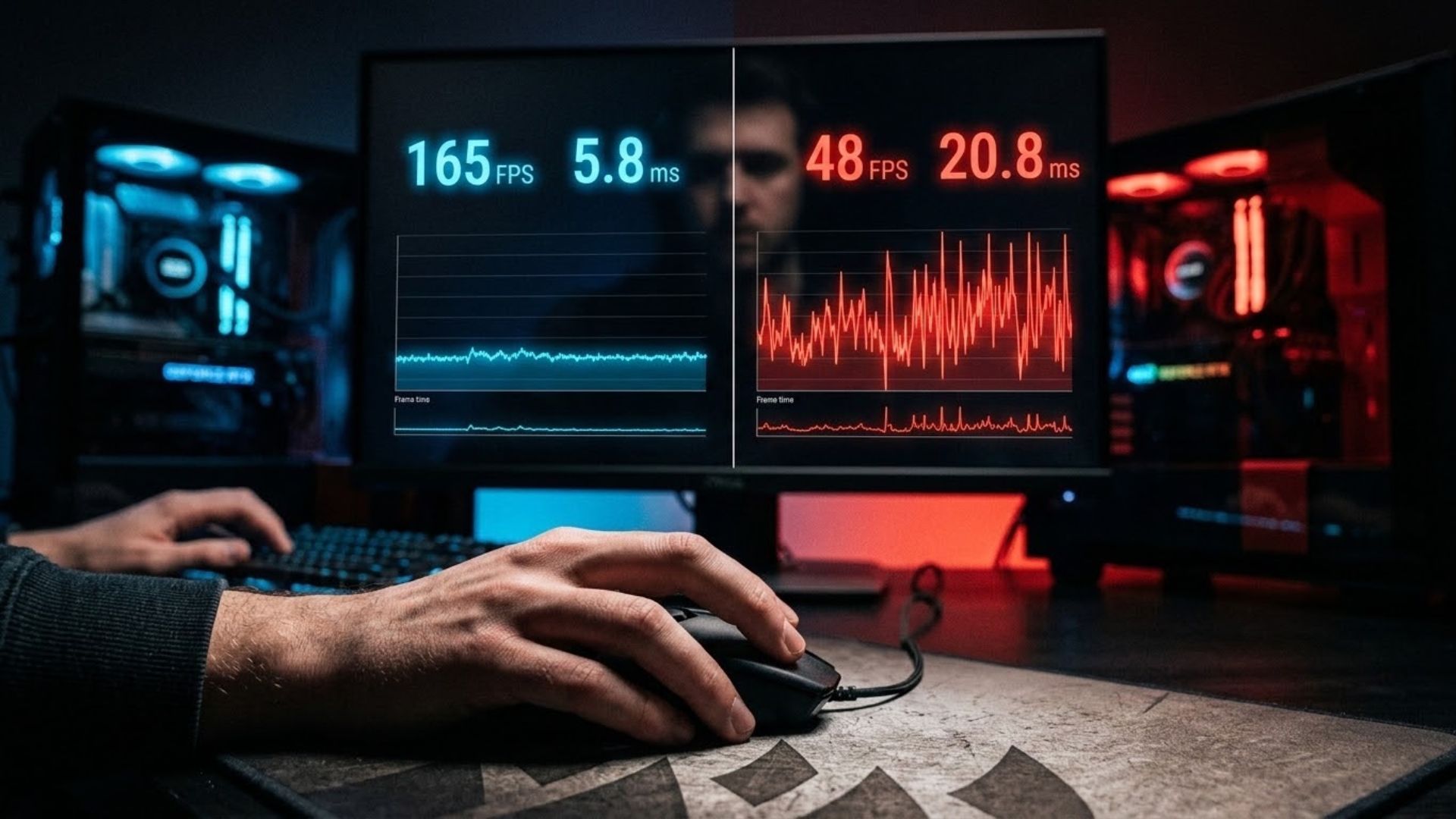
Average FPS gets all the attention, but it tells only a third of the story, and the other two thirds are where the truth hides. Serious testing tracks three metrics together. Average FPS is your headline, the broad measure of how fast the game runs. The 1% lows reveal your worst frequent dips, the stutters that ruin a firefight even when the average looks fine. Frame time consistency shows how smooth the experience actually feels, because a jittery frame pace reads as choppy no matter how high the average climbs.
Here is a realistic example from a benchmark I ran on an open-world shooter after a mid-season patch.
| Metric | Before update | After update | Change |
|---|---|---|---|
| Average FPS | 118 | 124 | +6 |
| 1% lows | 74 | 61 | -13 |
| Frame time consistency | Smooth | Occasional spikes | Worse |
Read that table carefully, because it captures a pattern I see constantly. The average went up, which looks like a win, yet the 1% lows dropped hard and the frame pacing got worse. In practice, that faster build felt choppier during exactly the moments that decide matches. If you only tracked the average, you would have called the patch an improvement and been completely wrong.
Tools that do the heavy lifting
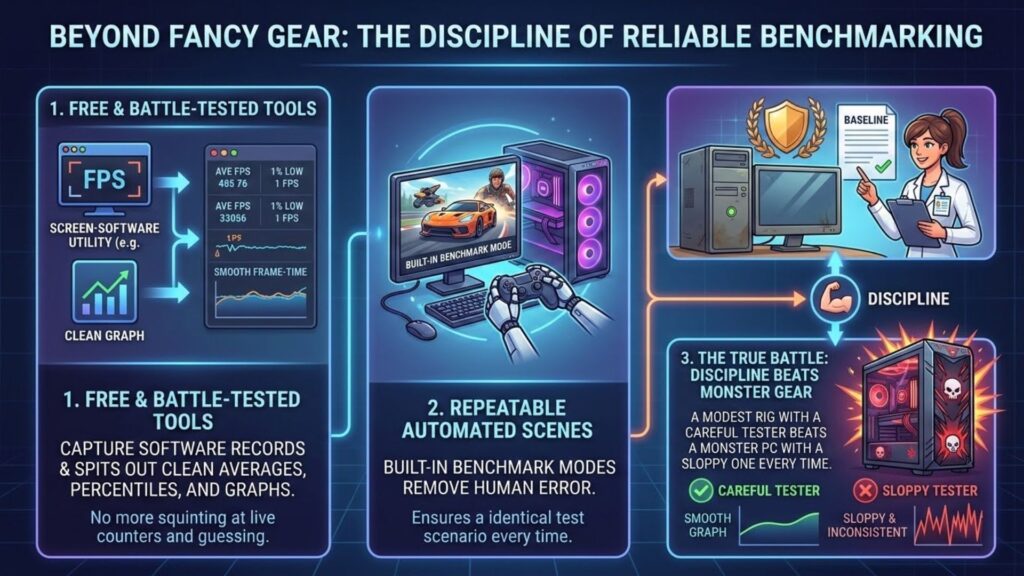
You do not need a lab to benchmark well, and the tools that matter are free and battle-tested. Capture software like CapFrameX records your frame data during a run and spits out clean averages, percentiles, and graphs, so you are not squinting at a live counter and guessing. Overlays such as MSI Afterburner and built-in benchmark modes, where games offer them, give you a repeatable scene automatically, which removes human error from the equation. The point is not fancy gear. It is discipline. A modest rig with a careful tester beats a monster PC with a sloppy one every time.
Reading results like an analyst
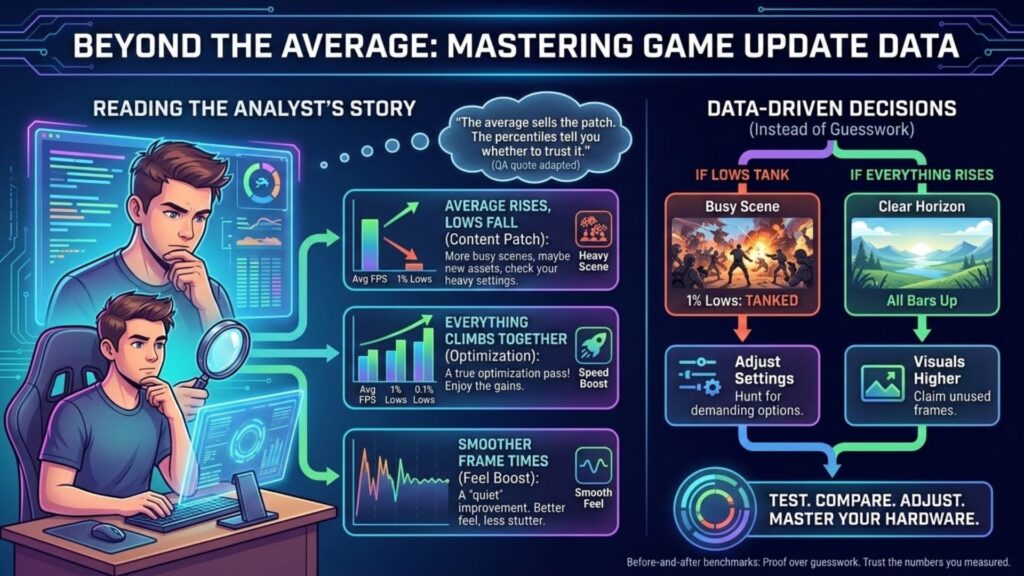
Once you have both runs, resist the urge to react to a single number. Look for the story across all three metrics. Did the average rise while the lows fell, like my example above? That points to a content patch adding load in busy scenes, and sometimes to changes the notes never mention. Did everything climb together? You probably caught a real optimization pass. Did the frame times smooth out even without a higher average? That is a quieter but very real improvement in feel. A veteran QA tester I traded notes with last year said it best: players chase the average because it is one easy number, but the game lives and dies in the lows.
Turning data into decisions
Benchmarks are only useful if they change what you do next. When a patch tanks your lows, you know to revisit your settings and hunt for the specific option that busy scenes now demand. When a build lifts everything, you can push your visuals a notch higher and claim frames you did not have yesterday. The data hands you a plan instead of a complaint.
That loop, test, compare, adjust, is what separates players who master their hardware from those who just endure it. A before-and-after benchmark is not busywork. It is the closest thing we have to proof in a hobby full of guesswork. If you want to see how these numbers connect to drivers, hidden tweaks, and settings across every update, our full guide to how game updates affect PC performance ties the whole picture together. So next time a patch lands, will you trust the loudest voice in the thread, or the numbers you measured yourself?