![[decorative]](https://mixagame.com/wp-content/uploads/2025/10/cropped-mixagame-redwhite-logo-1024x256-1.png)
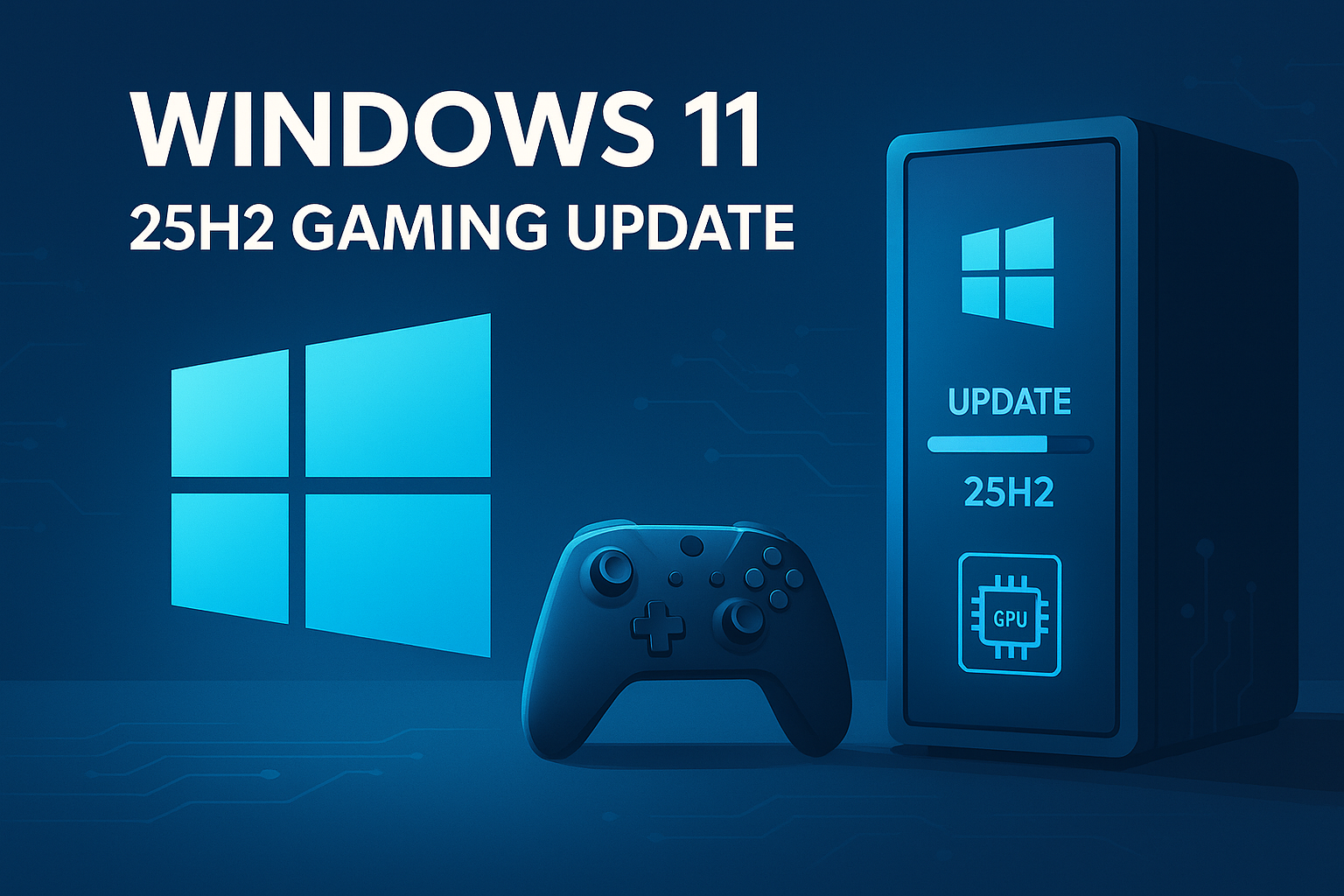
Microsoft’s 2025 Update for Windows 11, also called version 25H2, is now rolling out through Windows Update with broader availability confirmed on September 30, 2025. It rides on the same platform as 24H2, delivered as a small enablement package, so installs feel like a monthly security patch rather than a full OS swap.
Quick take for players
- Stability first. Same platform as 24H2 means no graphics stack shakeups and minimal risk for anti-cheat, launchers, overlays, and drivers. Your library should keep running without surprises.
- Faster update. Smaller download and short install time lets you patch between matches rather than plan an evening.
- Support clock reset. Home and Pro receive 24 months of servicing, Enterprise gets 36 months, so you stay covered longer than on 24H2.
- No exclusive features at launch. New capabilities will trickle to both 24H2 and 25H2 through ongoing monthly updates.
- Policy and cleanup changes. New Group Policies help orgs control bundled apps. Legacy PowerShell 2.0 and WMIC are removed, which only affects old admin scripts or niche mod tools that still reference them.
Performance and compatibility
Because 25H2 keeps the 24H2 base, you should not see frame-time regressions. DirectX, game mode behavior, and scheduler fundamentals remain consistent. Treat this like a stability patch: the benefit is less downtime and lower odds of a weird driver dance after install.
Upgrade checklist for gamers
- Update GPU drivers from NVIDIA, AMD, or Intel.
- Record known-good settings for your games and capture tools.
- Free space for the enablement package and shader cache rebuilds.
- Patch Windows to 25H2 via Settings → Windows Update or install from ISO if you do not want to wait for wave rollout.
- Verify overlays. Test your capture app, voice chat, and monitoring widgets after the reboot.
- Rebuild shaders in a few heavy titles to clear stutter.
- If a mod manager used WMIC. Update to a current build that no longer calls the removed tool.
Should you install now
If you play competitive shooters or stream regularly, the small footprint and long support window make 25H2 a safe, practical move. If you manage a lot of mods and scripts, snapshot your setup first, then upgrade and validate your tooling.
How to Install Windows 11 25H2
Getting Windows 11 25H2 is straightforward through the standard Windows Update process. Head to Settings > Windows Update and click “Check for updates.” If the 25H2 enablement package appears, you can install it immediately. The download is typically under 100MB since it’s an enablement package rather than a full OS installation.
For users who don’t see the update yet, Microsoft is using a phased rollout approach. You can force the update by downloading the Windows 11 Installation Assistant from Microsoft’s website or using the Media Creation Tool. Advanced users can also grab the update catalog file directly, though this method requires more technical knowledge.
Before installing, ensure your gaming setup is ready. Close all running games and game launchers like Steam, Epic Games Store, and Xbox app. While the installation is quick, it’s worth creating a system restore point as a safety net. Most users report installation times between 10-15 minutes, significantly faster than previous major Windows updates.
Gaming Performance Benchmarks and Real-World Impact
Early testing reveals that Windows 11 25H2 gaming changes deliver modest but meaningful performance improvements across various hardware configurations. Independent benchmarks show 2-5% FPS gains in CPU-limited scenarios, particularly beneficial for competitive esports titles like Counter-Strike 2, Valorant, and League of Legends where every frame matters.
The performance gains are most noticeable on mid-range systems with Intel 12th-gen or AMD Ryzen 5000 series processors paired with RTX 3070/4060-class GPUs. High-end systems see smaller improvements since they’re typically GPU-bound rather than CPU-limited. Frame time consistency has also improved, with several testers reporting reduced stuttering in open-world games like Cyberpunk 2077 and Elden Ring.
Memory management optimizations contribute to better performance in memory-intensive games. Titles that previously struggled with 16GB RAM configurations now run more smoothly, though 32GB setups see minimal difference. The improvements are subtle but consistent across different game engines, from Unreal Engine 5 titles to older DirectX 11 games.
Game Mode and Game Bar Enhancements
Windows 11 25H2 brings refined Game Mode functionality with smarter resource allocation. The updated Game Mode now better identifies background processes that can safely be deprioritized during gaming sessions. This includes more aggressive management of Windows Update downloads, antivirus scans, and system maintenance tasks that previously caused occasional frame drops.
The Game Bar receives quality-of-life improvements focused on usability rather than flashy new features. Screenshot capture is now faster and more reliable, addressing previous issues where captures would occasionally fail or take several seconds to process. The performance overlay has been streamlined with clearer, more readable metrics that don’t obstruct gameplay.
Audio capture through Game Bar now handles multi-channel setups better, particularly useful for streamers using complex audio configurations. The widget system is more responsive, and opening Game Bar mid-game causes less performance impact than before. These changes make Game Bar a more viable alternative to third-party tools like OBS for casual recording and streaming.
DirectX and DirectStorage Updates
While Windows 11 25H2 doesn’t introduce new DirectX versions, it includes important runtime optimizations for